Introducing · Crafty Framework v1.0




Crafty Framework v1.0

Crafty Framework
A structured, opinionated framework for building robust FileMaker solutions.
Built for business that need more than the basics. Crafty Framework is a production‑ready architectural layer for FileMaker solutions where consistency, auditability, and long‑term maintainability matter.
It is designed for businesses and teams who have outgrown ad‑hoc scripts, one‑off layouts, and fragile logic - and instead need a repeatable, scalable way to build and operate FileMaker systems with confidence
Unified Script Layer

Actions

A Unified Actions Layer
All actions weather from a user, server script or external API/Webhook. All go through a their own central Controller script. These are then directed to the suitable Handler via a JavaScript Object.
HANDLER Script Layer

Audit Log
An Audit Log Layer
Actions are sent to a separate Audit Log file and processes on the server, while the Handler continues its task. This happens in milliseconds so the user is not impacted or or slowed down.
HANDLER Script Layer

Approvals
An Approval Layer
Some workflows need an approval by a senior member before the change can take affect. The Approval layer is able to hold changes until approved giving control and data integrity to the correct user.
HANDLER Script Layer

Alerts
An Alert Layer
Alerts keep the system active and moving forward. You can set alerts at any action. eg. New record added, data exported, document printed more than once, multiple security alerts for a user.
HANDLER Script Layer

Security
A Security Layer
The security layer ensures only authorized actions are permitted, maintaining data integrity and preventing breaches. Alerting the user why an action can not be taken help everyone understand security groups.
LAYOUT UI

Design System
A Layout UI System
A modern UI component library with base components and common patterns. Both native FileMaker and WebViewer available. Making a modern design system ready to build.

Visibility · Control · Accountability · Consistency
THE BUSINESS CASE
Why add an extra layer to FileMaker solutions?
All mature FileMaker builds end up wanting the same things, but these are generally added after the solution has been built, and the retro-fitted solutions never seam to feel right. The real solution is to build it as the first layer and have an opinionated architecture that forces compliance. No more side stepping what needs to be done. Just a clean easy to learn framework that makes building way faster than without.

Consistency Across the Entire System
Because every action should behave the same way — no surprises, no hidden logic.
Real Visibility Into What's Happening
Because you can't manage what you can't see.
Built-In Safeguards That Prevent Silent Failures
Because FileMaker's default security just blocks — Crafty explains why.
A Scalable Script & Action Architecture
Because spaghetti scripts slow teams down — structure speeds them up.
Approvals and Control Where They Matter Most
Because not everything should be editable or executable without oversight.
Future-Proofing for Integrations, APIs, Ai, and Growth
Because systems evolve — the architecture should support that evolution.
THE BUSINESS CASE
What you get from using the Crafty Framework?
Once you adopt a Crafty style framework, weather its ours or your own. You can never go back to the way things were done before. Let reiterate the benefits so you understand them fully
Consistency Across the Entire System
In traditional FileMaker systems, each button or script can behave differently depending on who wrote it and when. Crafty introduces a unified action pipeline, ensuring all user actions follow the same flow: validation, logging, security checks, and execution. This eliminates "mystery scripts", inconsistent behaviours, and unexpected side effects. The result is a system that is easier to maintain, easier to extend, and far less fragile.
Real Visibility Into What's Happening
Crafty's system-wide audit logging captures more than just data changes — it records finds, exports, layout navigation, script calls, permission denials, approvals, and more. This transforms FileMaker from a black box into an observable platform. When something breaks, slows down, or behaves oddly, the audit log provides immediate answers, reducing downtime and removing guesswork. Teams gain operational clarity and confidence.
Built-In Safeguards That Prevent Silent Failures
FileMaker's native privilege sets silently stop actions when a user lacks access. Crafty intercepts these events, explains the reason, logs the attempt, and can optionally trigger alerts or approval pathways. This prevents user confusion, eliminates invisible permission issues, and provides accountability. Every "no" becomes a meaningful, traceable event rather than a frustrating dead-end.
A Scalable Script & Action Architecture
Crafty introduces a clean scripting architecture using routers, handlers, and builders. This separates intent (what the user wants) from execution (how the system does it). As solutions grow, this pattern prevents script sprawl, reduces duplication, and makes large systems maintainable. New developers onboard faster, changes are safer to make, and bugs are easier to trace.
Approvals and Control Where They Matter Most
Many businesses require approval flows for financial changes, sensitive updates, or workflow checkpoints. Crafty includes a flexible approval layer that can enforce approvals based on table, layout, role, or action type. Instead of bolted-on or duplicated scripts, approvals are part of the core architecture. This adds operational control without slowing down normal work or complicating the user experience.
Future-Proofing for Integrations, APIs, Ai and Growth
Modern FileMaker systems increasingly interact with APIs, webhooks, micro services, Ai agents, external databases, and automated server-side workflows. Crafty is designed for this reality: every action flows through a central layer that can integrate external calls, enforce rules, and log outcomes. Whether adding new features, new users, or new integrations, the framework absorbs complexity so the solution doesn't collapse under its own weight.
CRAFTY THEME, COMPONENTS & BLOCKS
What's included in the UI Component Library
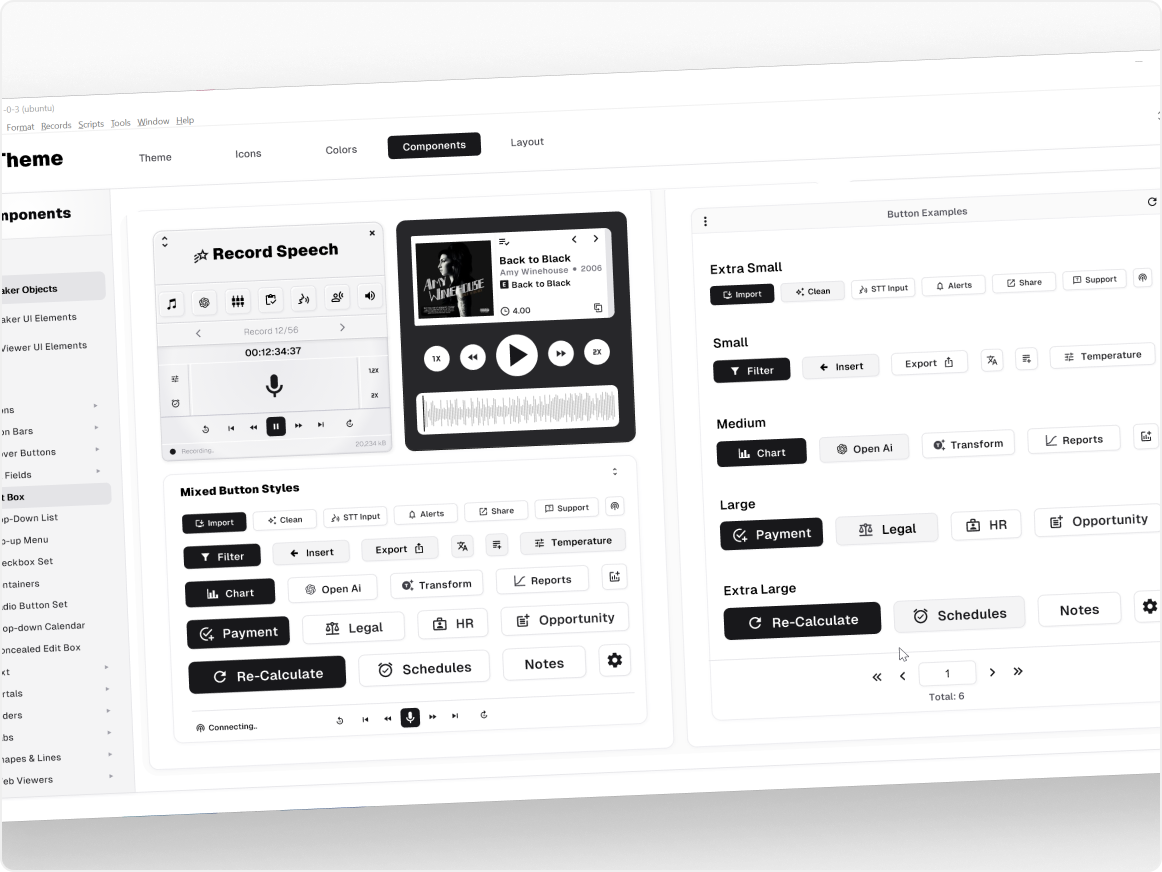
A library of 21,000 FileMaker icons, colour swatches with tints & shades, Crafty theme styles version 1.0, UI object components
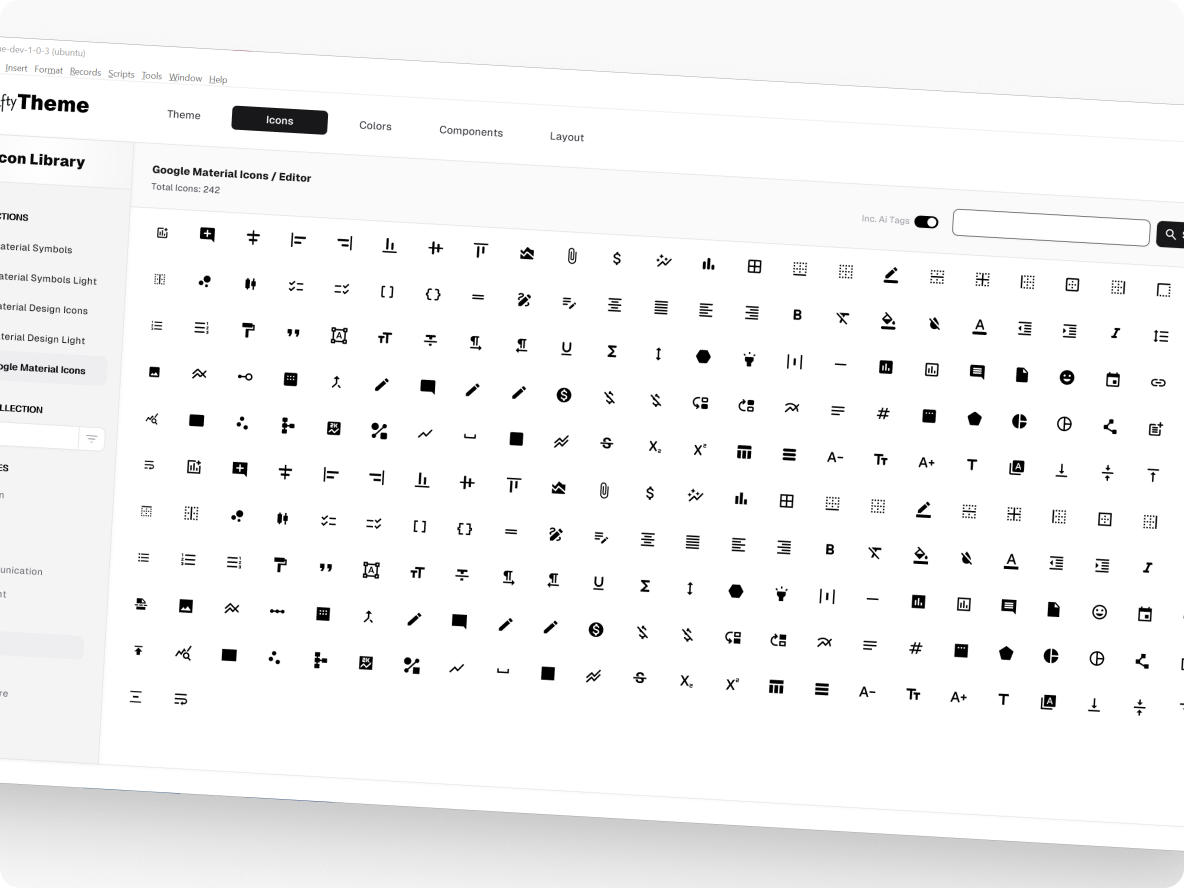
A library of 21,000 FileMaker icons
A huge list of icons from the Google Material repository. All icons have been converted and ready to use in FileMaker. Each icons comes as a SVG, black and white .png. Also each icons has 10+ Ai generated tags to make searching for the fonts easy.
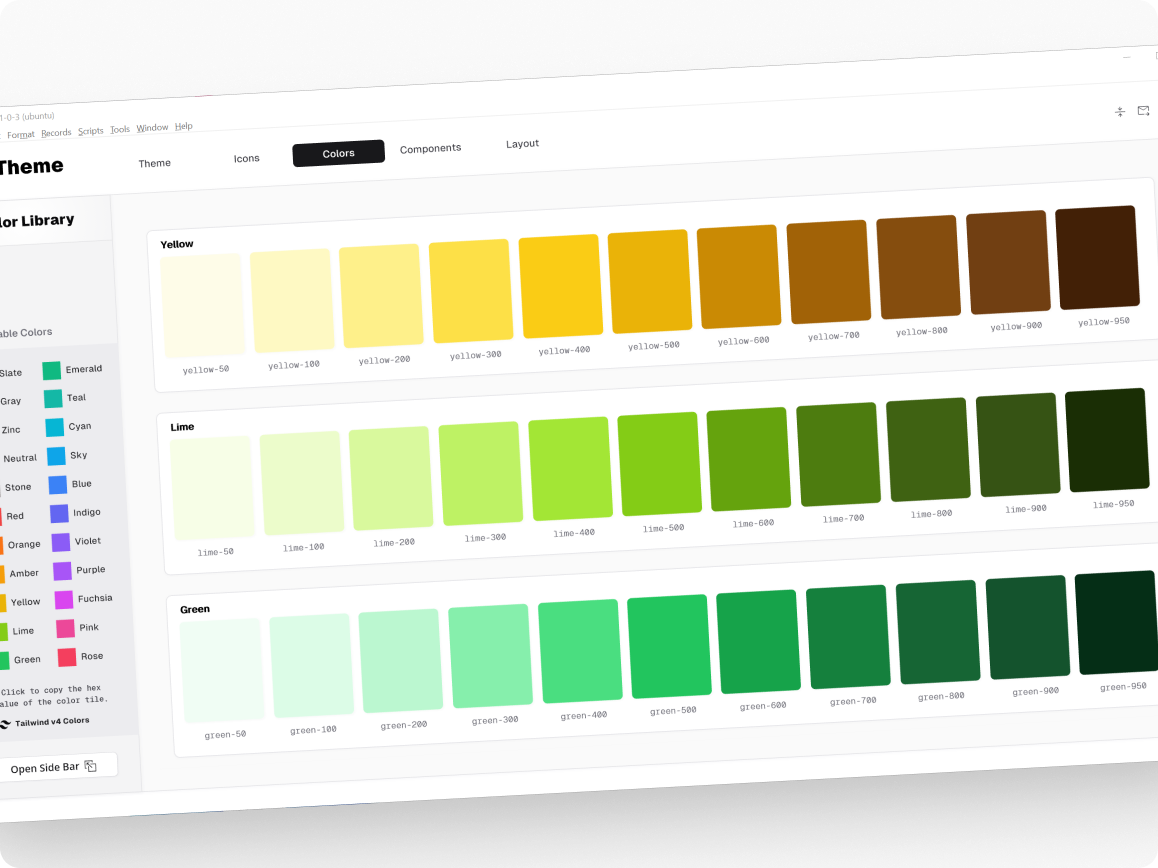
Colour swatches with tints & shades
The Tailwind CSS v4 colour swatches have been used so to ensure maximum compatibility with web viewer components. The seamless visual between native FileMaker and web components only enhances your users experience
Crafty theme styles version 1.0
A full theme that brings together colours, borders, padding, margins and drop shadows into a streamline look. Match your current App style, or with a few mouse clicks change the entire style to something completely different.
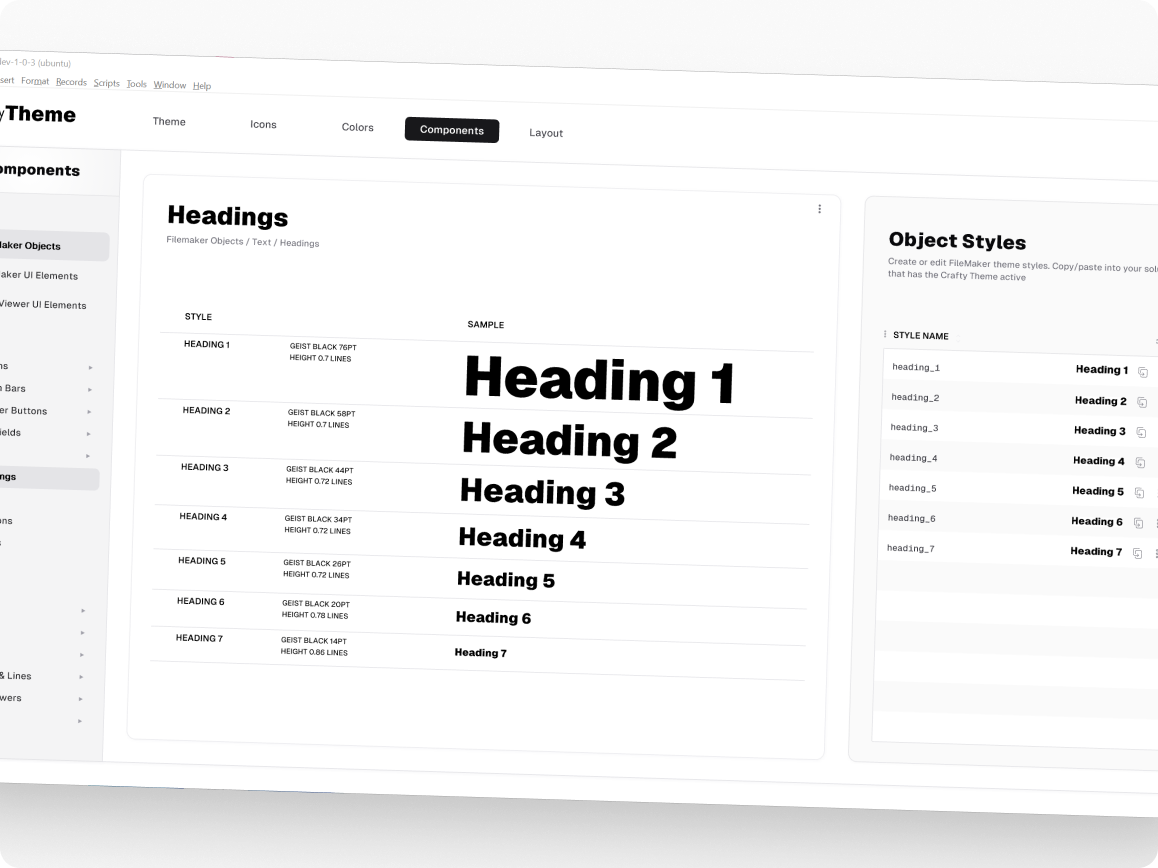
UI object components
Components that just work, that can be inserted into any layout and customised to your taste. More that 60+ components and blocks to choose from. Component are both Native FM and also WebViewer available.


CONTACT US
Get in touch
If you would like your FileMaker solution to use the Crafty Framework. Please contact us and lets start a conversation

The FileMaker platform
The FileMaker platform is a powerful and flexible database platform that is trusted by businesses worldwide for its reliability, security, and performance. It offers a range of features and tools that make it easy to create and manage databases, and it is compatible with a wide range of devices and operating systems.

Copyright 2025 © x2network Pty Ltd